Capture the event.
Preserve the evidence.
See the pattern.
Built for parents navigating custody and co-parenting — and just as effective for any legal matter where organized records matter. Log events as they happen, tag entries for pattern recognition, and attach supporting evidence, all in one private record designed to keep you organized, save you and your legal team time, and keep the focus where it belongs: on your case.
How it works
Three steps to a record your attorney can actually use.
Log events as they happen
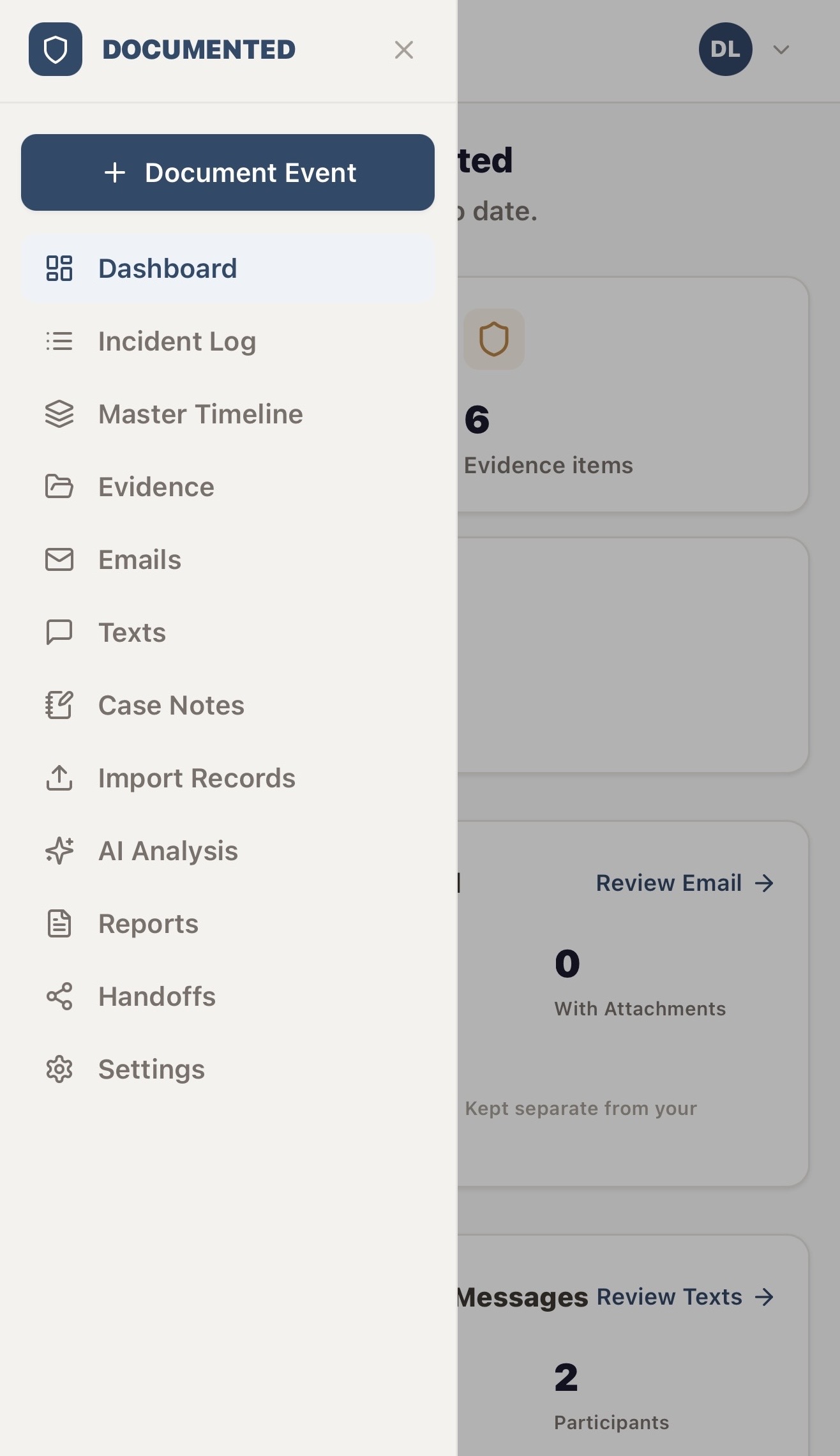
Quick Capture lets you start an entry in one tap. Add the date, what happened, your basis of knowledge, and any supporting evidence. Recording events closer to when they occur can help preserve details that may otherwise be forgotten.
Tag for pattern recognition
Assign categories and tags to each entry. Over time, Documented surfaces frequency counts, trends, and gaps — the patterns that matter in a legal proceeding.
Share with your attorney
Generate a structured PDF report or create a secure, email-verified handoff your attorney can access directly. No account needed on their end.
Built for custody cases. Ready for any legal matter.
Most families use Documented for custody and co-parenting — but the same structured system works anywhere clear records and organized evidence exchange matter.
Document as it happens
Log events, conversations, and evidence the moment they occur so details are never lost to memory. A more organized record means a calmer, less stressful process for you.
Custody-first, built to extend
Purpose-built for custody and co-parenting documentation — and equally suited to any legal matter that depends on a clear, well-organized record of events and evidence.
Save time. Save money.
A well-organized record means less time your legal team spends piecing the story together — which can mean lower legal costs and more of their focus spent on your case, not your paperwork.
Built to support your legal team
Every design decision was made with one question in mind: will this record be useful when it counts?
Chronological record
Every entry, locked the moment it's saved
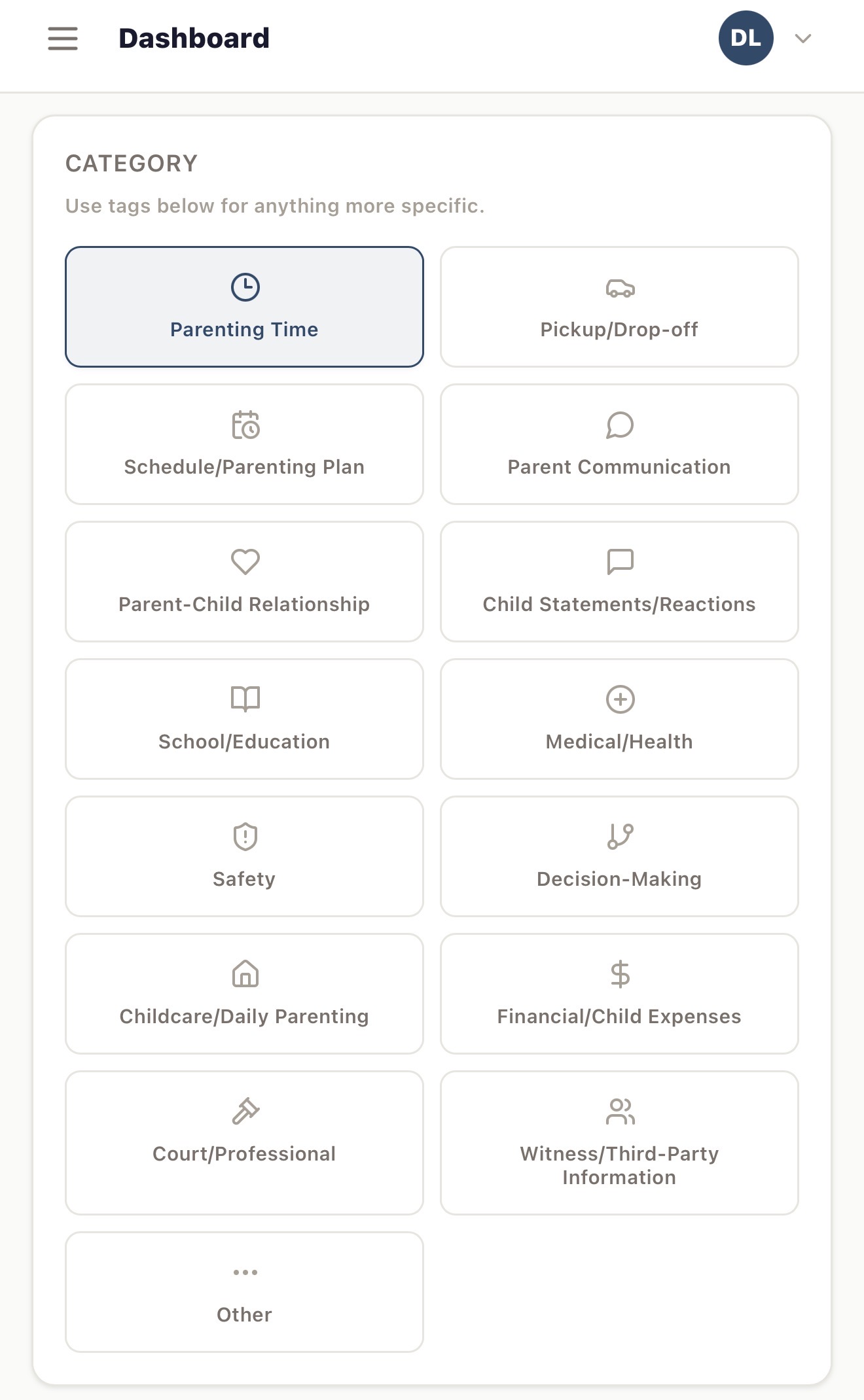
Document events the moment they happen — what happened, in your own words, with the date and basis of knowledge recorded alongside it. Choose from purpose-built categories, then tag each entry with standardized or your own custom tags — the foundation your pattern analysis is built on. Attach evidence directly, or link files already in your Evidence Library. Once saved, the entry's creation timestamp and core details are locked — no retroactive edits, no gaps in the record.
- Purpose-built categories for custody and co-parenting events
- Standardized tags plus your own custom tags — these drive pattern analysis
- Attach new evidence or link existing files from your Evidence Library
- Immutable creation timestamp and audit trail once saved


Correspondence
Every email and text, organized and counted
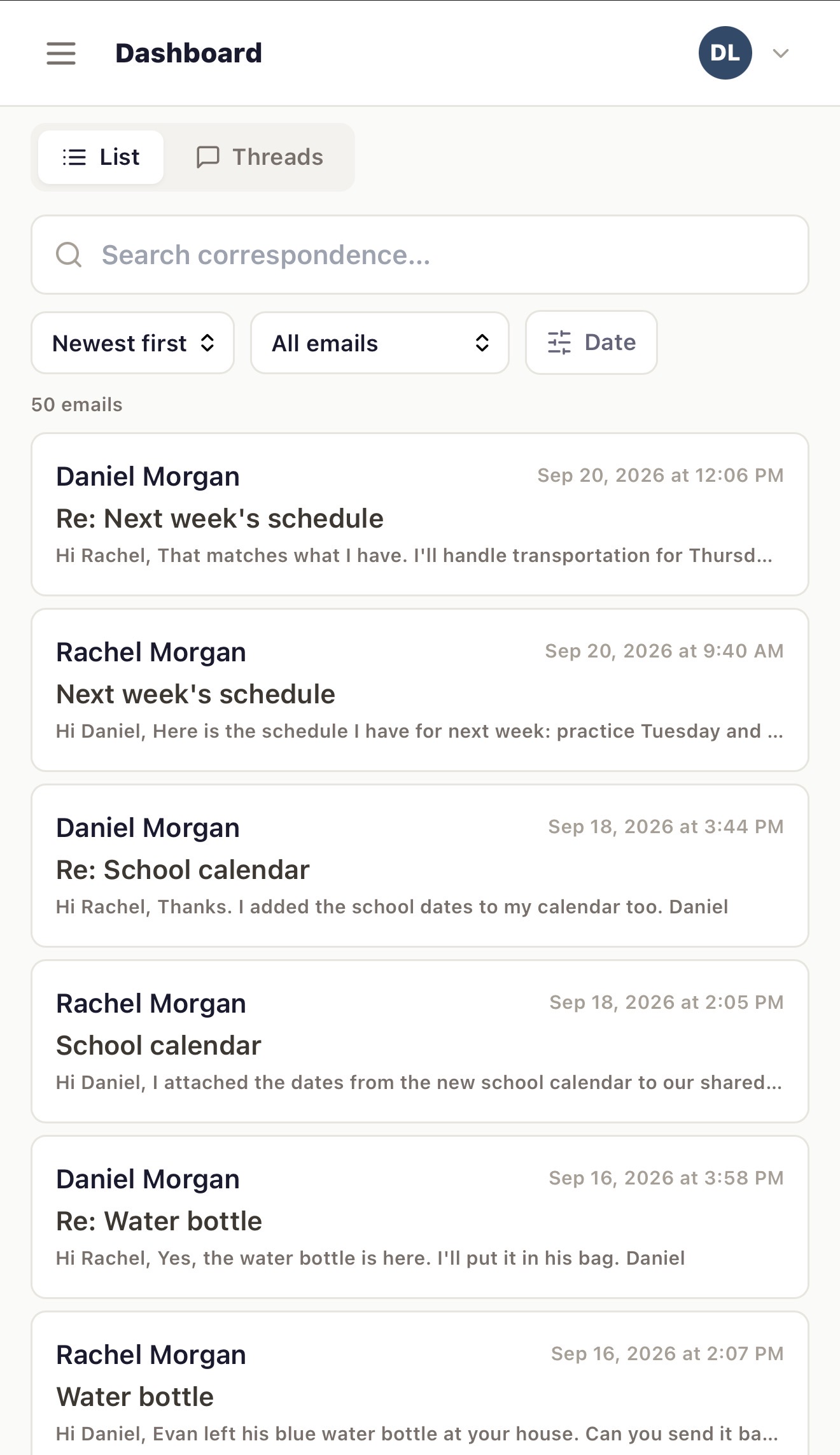
Import your email and text message history and review it on its own — kept separate from your Incident Log, never blended into it. See who sent what, when, and how often: participant breakdowns, sent/received counts, and directional pairs (who messaged whom) are all tracked automatically. Search and filter across the full correspondence history for either source.
- Email and text message import, reviewed independently
- Participant and directional message-count breakdowns
- Full-text search across your entire correspondence history
- Kept structurally separate from your Incident Log


Master Timeline
One record. Every source. True chronological order.
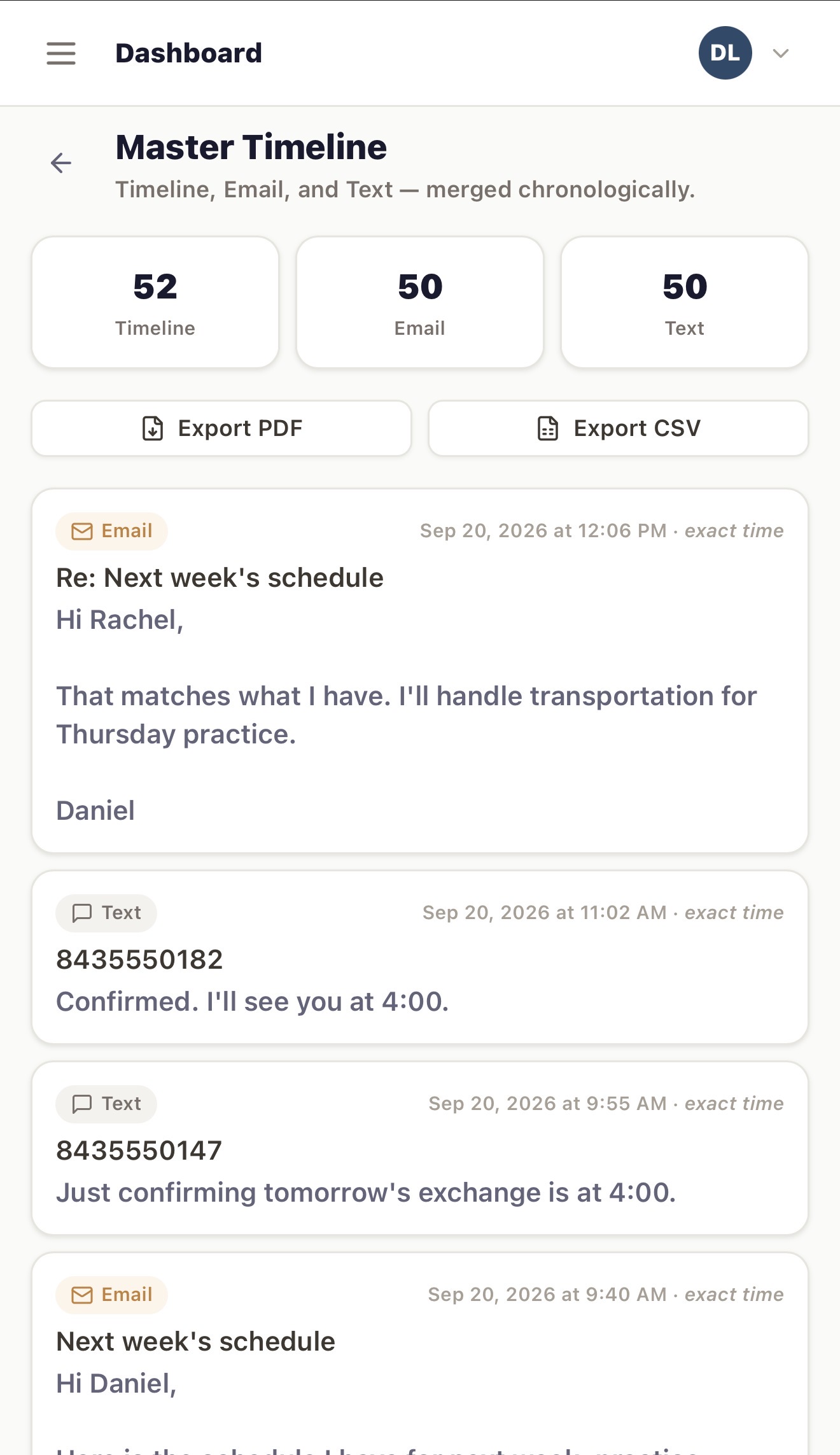
Your Incident Log, email, and text messages — merged into a single feed, sorted by when things actually happened, not by which app they came from. See the full sequence of events exactly as they unfolded, export the whole thing as a PDF or CSV, and never lose the thread piecing together three separate records by hand.
- Incident Log, Email, and Text combined into one chronological feed
- Clear source labeling on every entry
- One-click PDF and CSV export of the full merged record
- Filter by source or search across everything at once


Evidence library
Every file preserved, verified, and traceable
Upload photos, screenshots, documents, audio, and video directly to your library. Every file gets a SHA-256 integrity check at the moment it's uploaded — a verifiable fingerprint proving it hasn't been altered since. Link evidence to one entry or many, filter by file type or link status, and see exactly what's connected and what's still waiting to be linked.
- SHA-256 integrity check generated at upload
- Link one piece of evidence to multiple entries
- Filter by file type — photos, screenshots, documents, audio, video
- Clear linked vs. unlinked status across your whole library


Pattern analysis
See what your record reveals over time
Tag entries with observable categories and see frequency counts, co-occurrence patterns, trend direction, and documentation gaps — all traceable back to the exact source events. Deterministic reporting, snapshots, and PDF export are included at every plan level.
- Tag frequency and trend direction
- Documentation gap detection
- Co-occurrence analysis
- Every metric links to source events
Case Notes — Pro Plus
Your own thinking, kept separate from the record
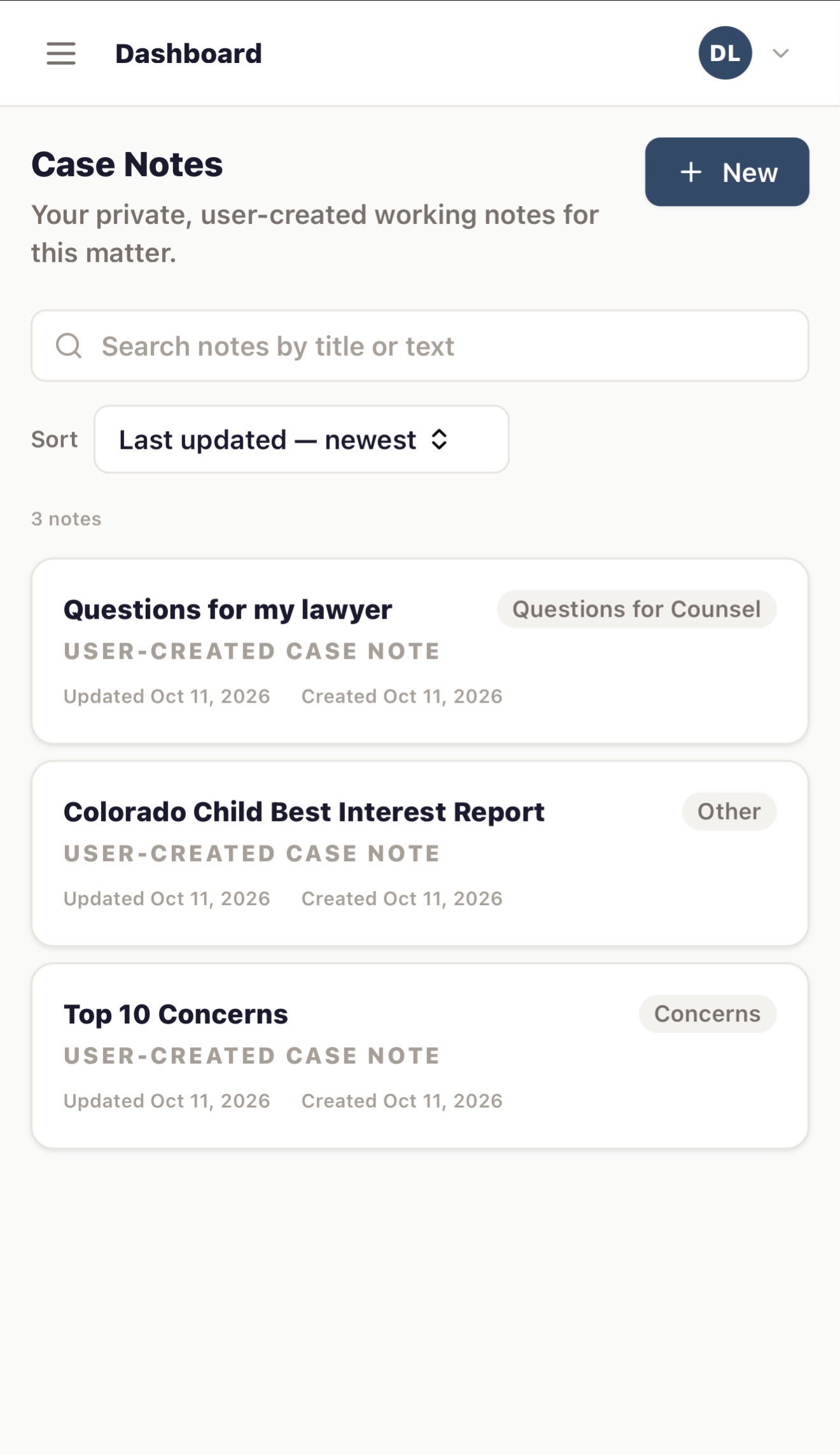
Case Notes are a private space for your own working thoughts — questions for your attorney, concerns you want to track, anything that isn't itself a documented event. Organize by type, write in Markdown, and attach supporting files. They're never treated as evidence and never surfaced in pattern analysis or generated reports — but when you're ready, you can choose to share them directly with your attorney or GAL through a secure handoff.
- Private, user-authored notes — kept apart from evidence and your Incident Log
- Organize by type (questions for counsel, concerns, and more)
- Markdown formatting with file attachments
- Share selectively with your attorney or GAL when you choose to


AI Analysis — Pro Plus
Grounded analysis, not invented claims
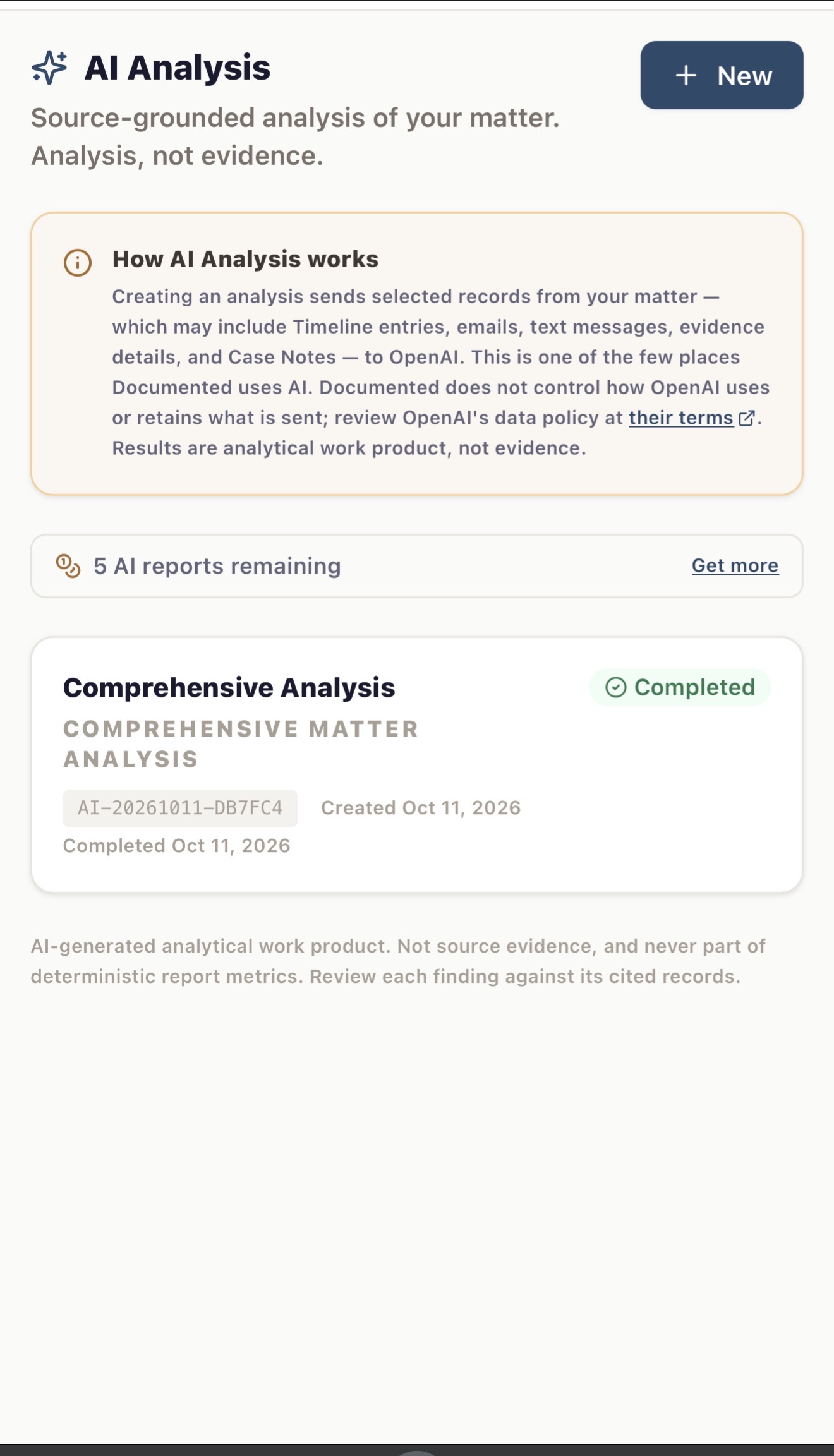
Run analysis across your Incident Log, email, text messages, evidence, and Case Notes — choose a comprehensive review, or focus on a specific issue, person, or timeframe. Every finding is traceable back to the records it came from. It's analytical work product, not evidence, and never alters your report metrics — every claim should be reviewed against its cited source.
- Six analysis modes: comprehensive, issue, person, chronological, Case Note review, or custom
- Every finding cites back to its underlying records
- Clear record count disclosure — exactly what was and wasn’t analyzed
- Exportable as a standalone PDF


Attorney Handoff — Pro Plus
Hand your attorney the record, not a pile of screenshots
Choose exactly what to share: specific entries, evidence, emails, texts, and reports. Then set permissions and how long access lasts. Your attorney gets an invitation tied to their exact email and verifies with a one-time code before opening a secure room. Inside they get a case summary, filterable records, a merged master timeline, and one-tap PDF, ZIP, or Clio-ready exports. You see every view and every active session, and you can sign out a device or revoke access at any time.
- Share exactly what you choose — down to individual items
- Invitation locked to one email, verified with a one-time code
- PDF, ZIP, and Clio-ready exports for your legal team
- Live view count, active sessions, and instant revoke
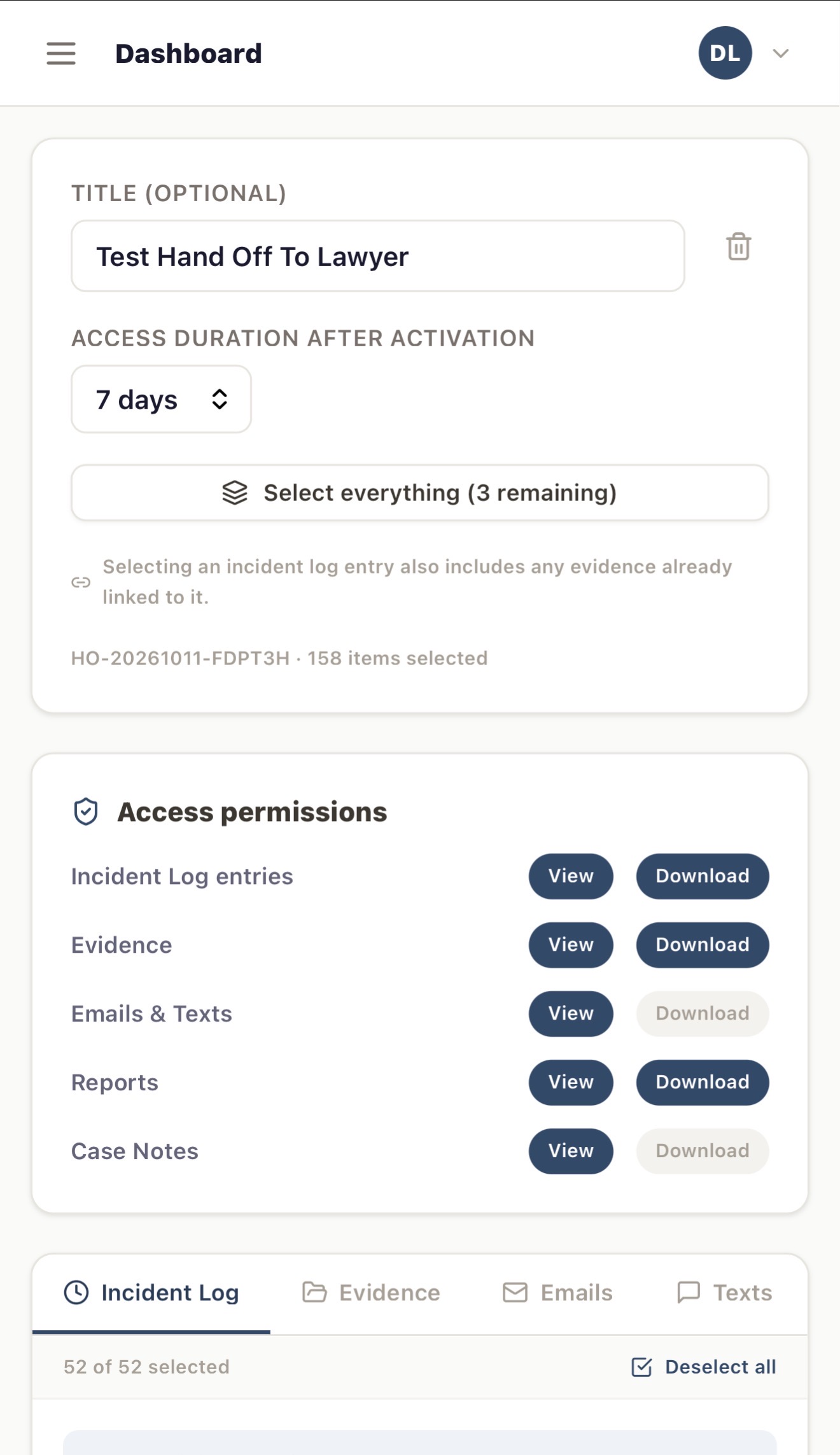


You: set duration and permissions
Start free. Upgrade when you need to.
Unlimited log entries, evidence, and deterministic PDF reports are always free. Upgrade for Case Notes, AI Analysis, and secure attorney sharing.
Free
Everything you need to start building your record today.
- 1 matter (case)
- Unlimited log entries, Timeline & search
- Photo, document & voice memo attachments
- Evidence Library with integrity checksums
- Email & text import and review
- Deterministic pattern reporting, snapshots & PDF export
- 1 child profile
- 2 GB storage
Pro Plus
or $199.99/yr
For matters that need private notes, AI-assisted analysis, and attorney sharing.
- 1 matter (case)
- Everything in Free
- Case Notes & attachments
- AI Analysis — 1 free credit included
- AI Analysis PDF export
- Secure attorney / legal team sharing
- Clio export
- Unlimited child profiles
- 50 GB storage
Additional AI Analysis credits available as add-on packs (3-pack $9.99, 6-pack $17.99). All plans include our privacy-focused architecture and legal process policy. Cancel anytime.
Your records. Kept private.
Documented is designed to minimize access to your private matter content and protect your records through strong encryption and a privacy-focused architecture.
Encryption-focused design
Documented is built with encryption at rest and in transit. We minimize what we can access and what we store.
Minimal data collection
We minimize the account information we collect. Your matter content remains private and protected.
Legal process policy
When we receive a subpoena, court order, or other legal process, requests are directed to our legal team and handled individually within the scope of that specific request.
Start building your record today
Free to start. No credit card required. Your first entry takes less than 30 seconds.
Create free accountUnlimited log entries · Always free · No credit card